Banner
Banners are ad units that can feature combinatorial ads, display ads, or video ads. For detailed instructions on how to create these ad units, see here.
General recommendations on how to improve the quality of ad units are given in Improving resource quality. Below are some practical tips to help you attract more valuable traffic with banners.
Placement
-
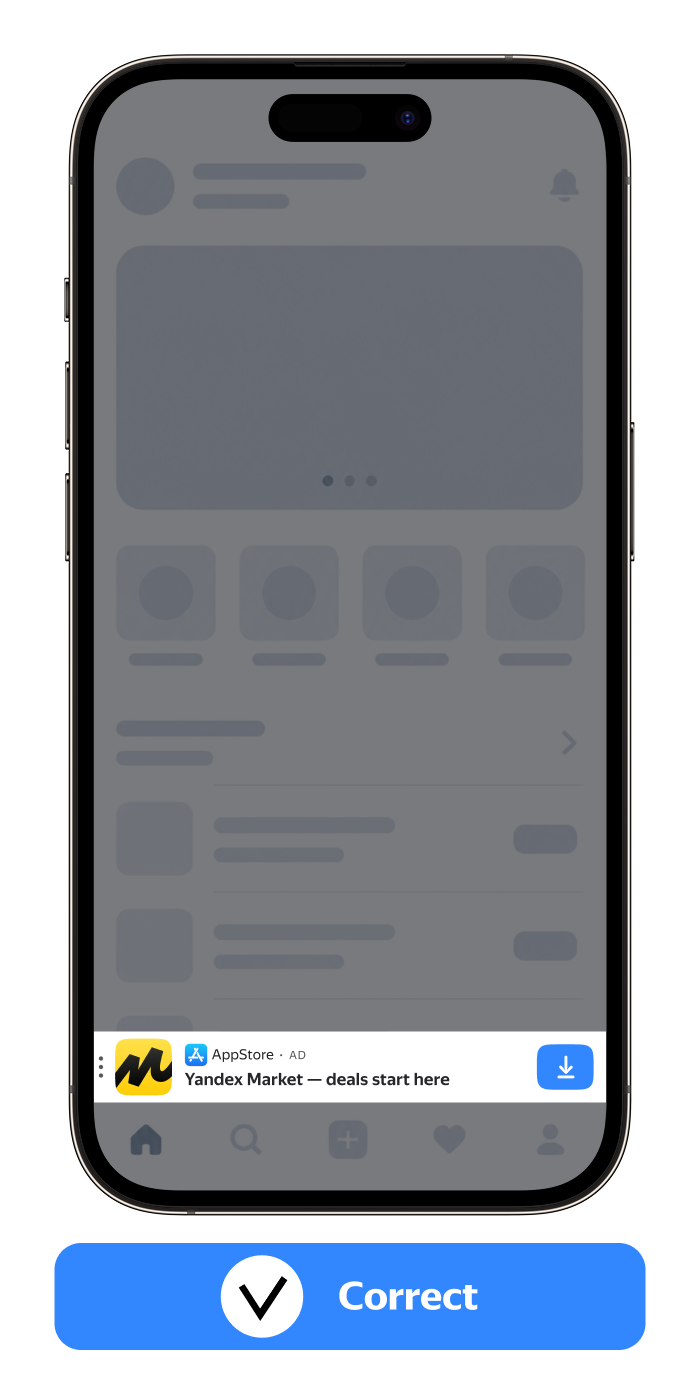
Place your banner at the top or bottom of the screen — avoid placing it in-between interface elements.
-
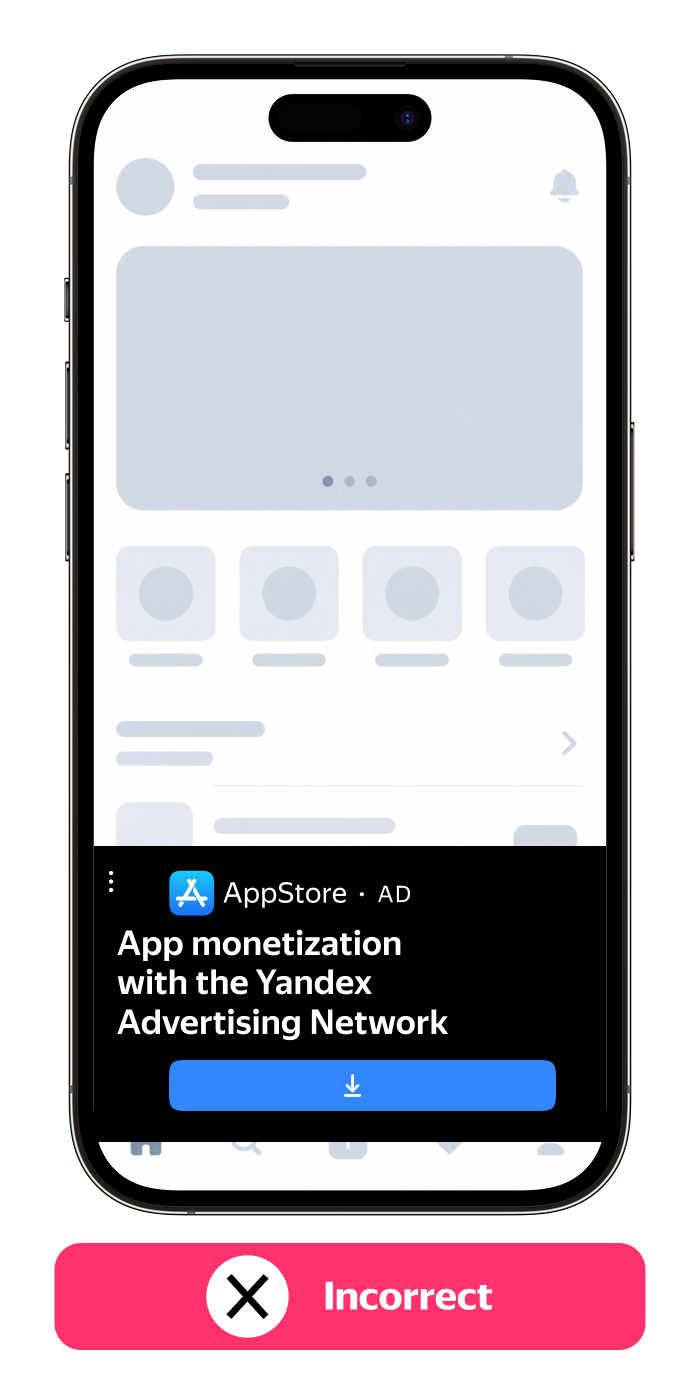
Make sure that your banner doesn't obscure the app content or the system elements of the UI.
-
Don't place ads over control elements or app content so that they don't hinder users from interacting with your app.
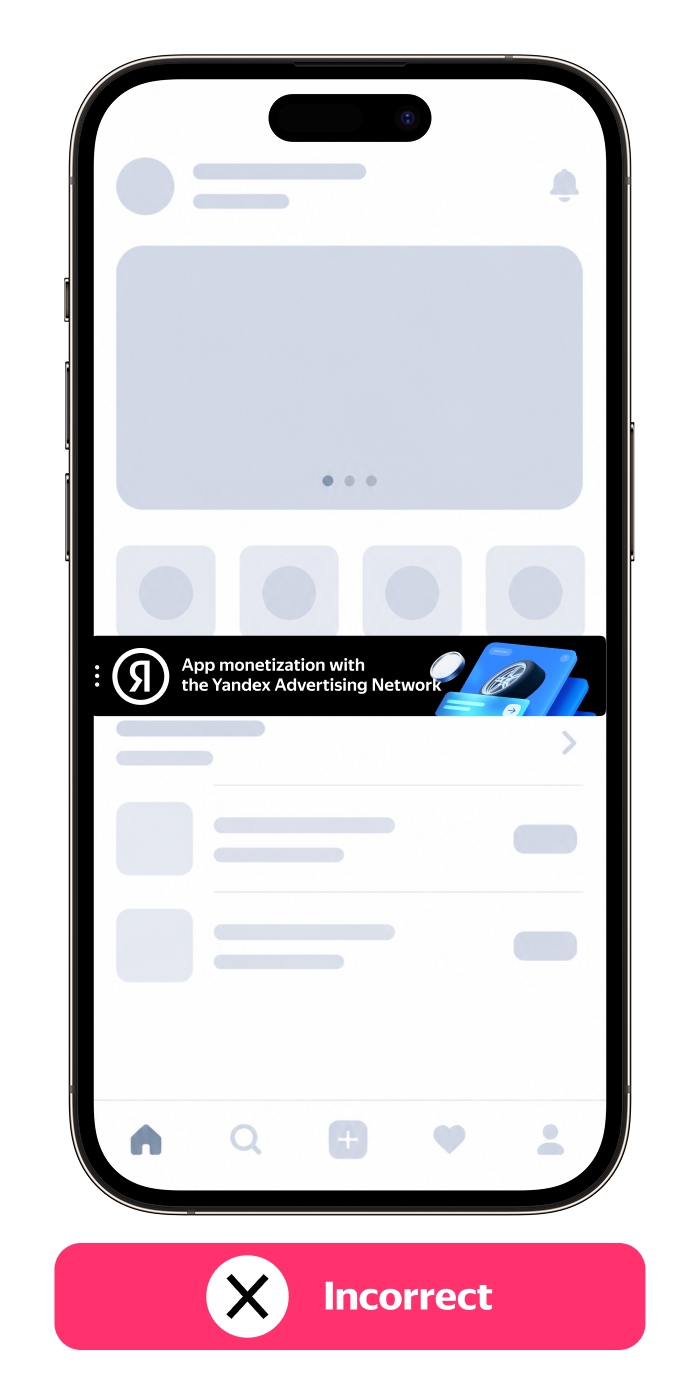
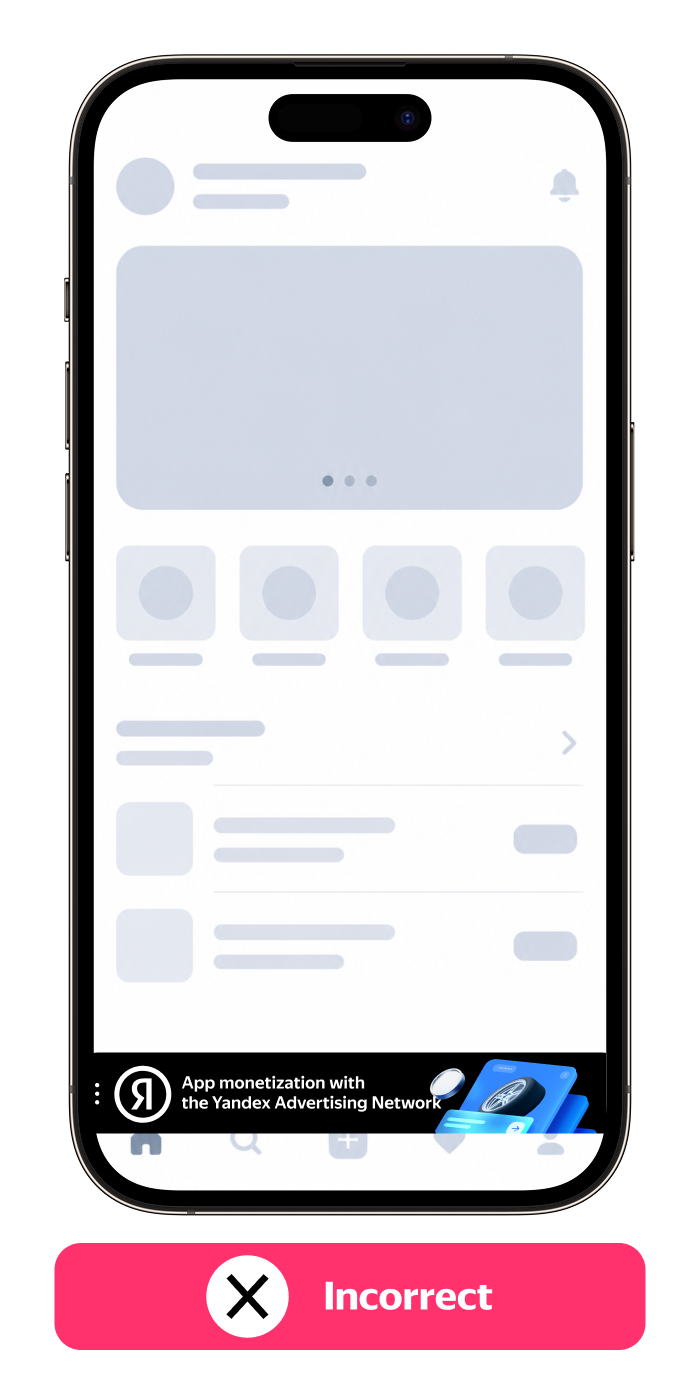
-
Don't camouflage your banner as UI elements.
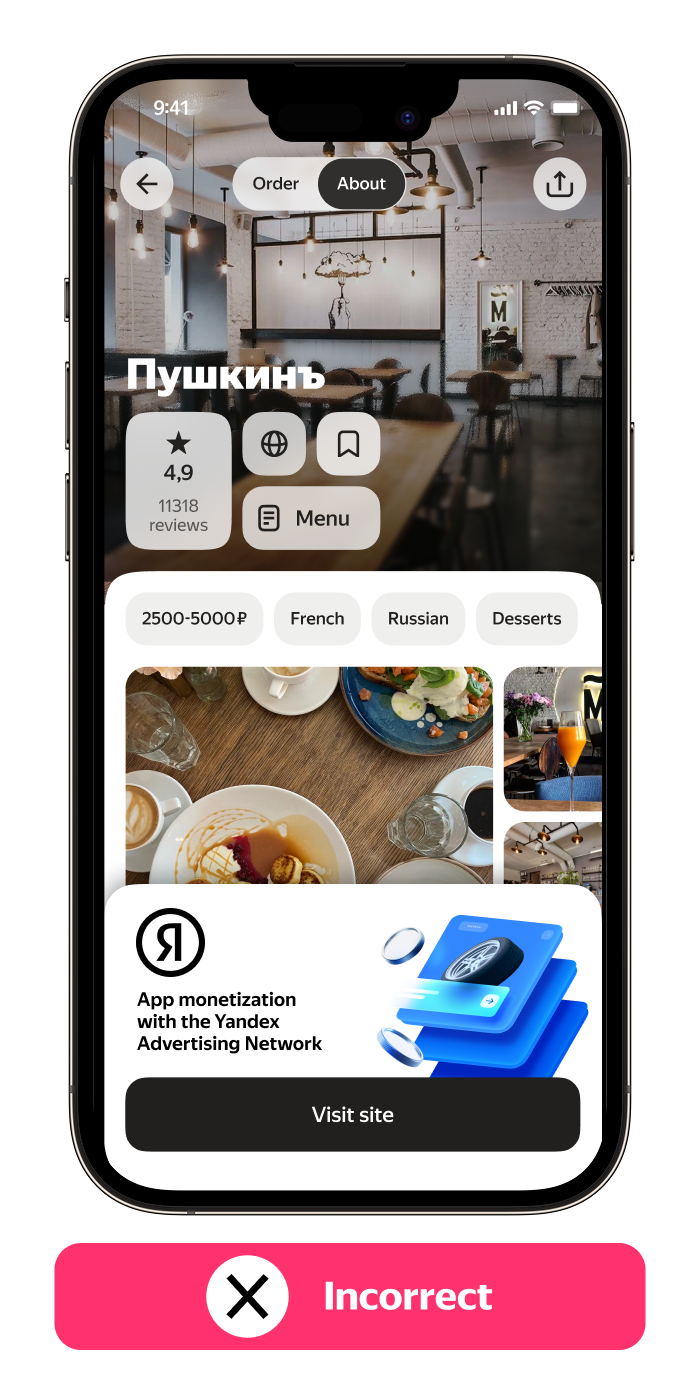
Size and layout
-
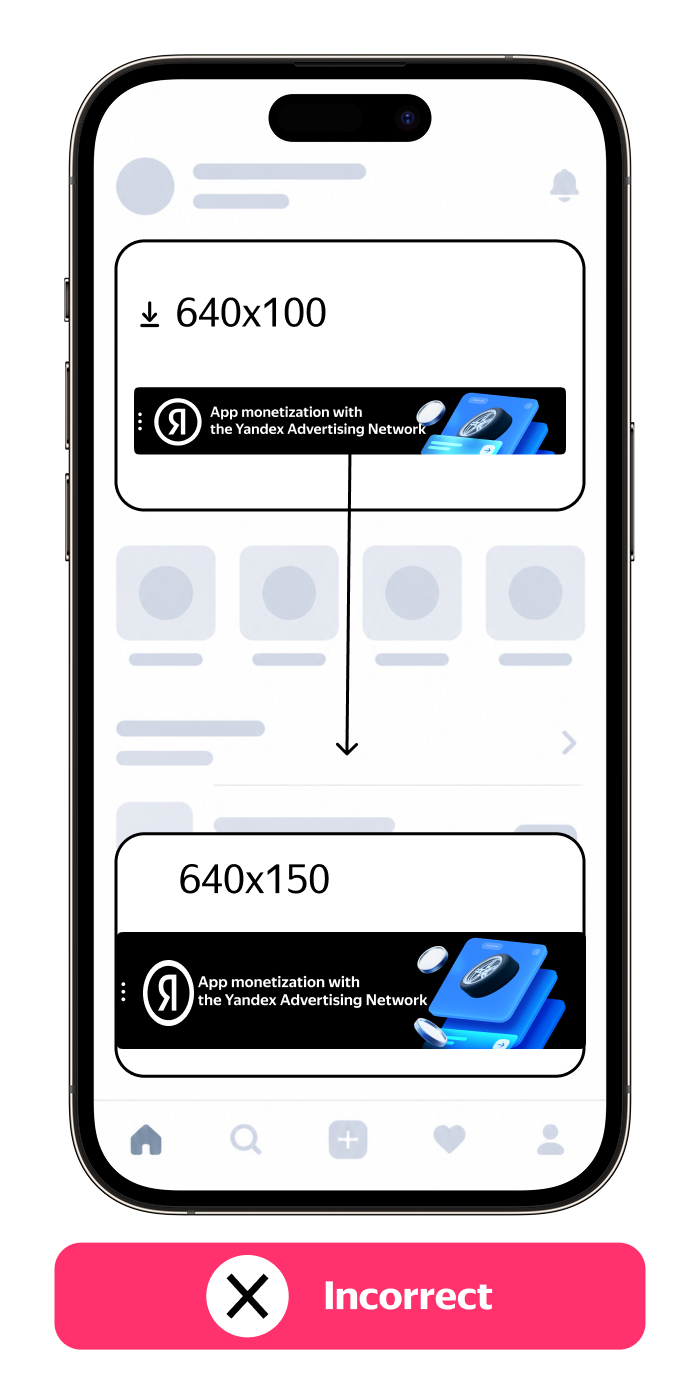
Make sure the ad unit layout and dimensions match the ad size, so the image remains properly aligned.
-
Don't change the dimensions of your banner after loading the creative.
Controls
-
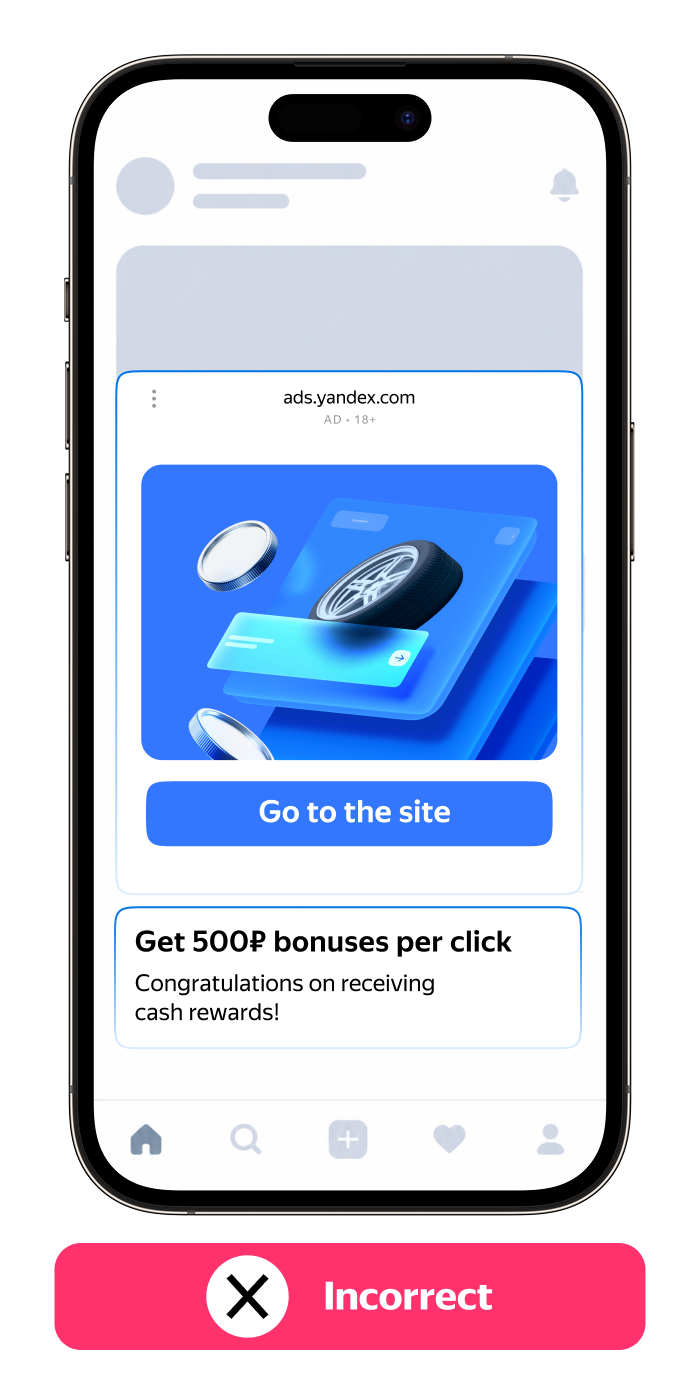
Don't use custom buttons or ad unit controls, stick to the standard kit.
-
Don't place custom buttons encouraging users to interact with the ad — only use standard CTA elements provided for this format (if applicable).
Loading
- Don't refresh your banner too often — this may negatively affect the user experience.
- Make sure your banner loads simultaneously with the app content to prevent accidental clicks.