Feed
A feed is an ad unit that consists of multiple Combinatorial ads. It can be placed after the app's main content or instead of it. Feeds may contain dozens of ads loaded in parts, multiple ads at a time. For detailed instructions on how to create these ad units, see here.
General recommendations on how to improve the quality of ad units are given in Improving resource quality. Below are some practical tips to help you attract more valuable traffic with feeds.
Placement
-
Don't add too many ads.
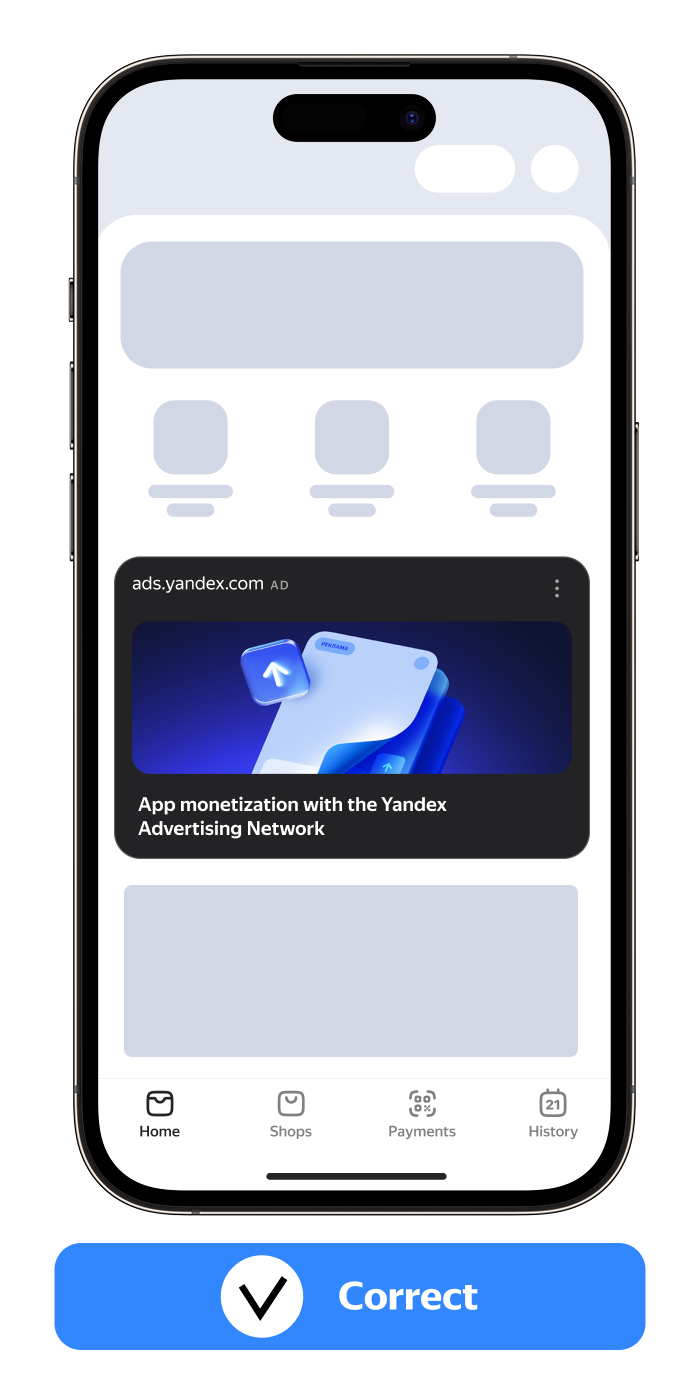
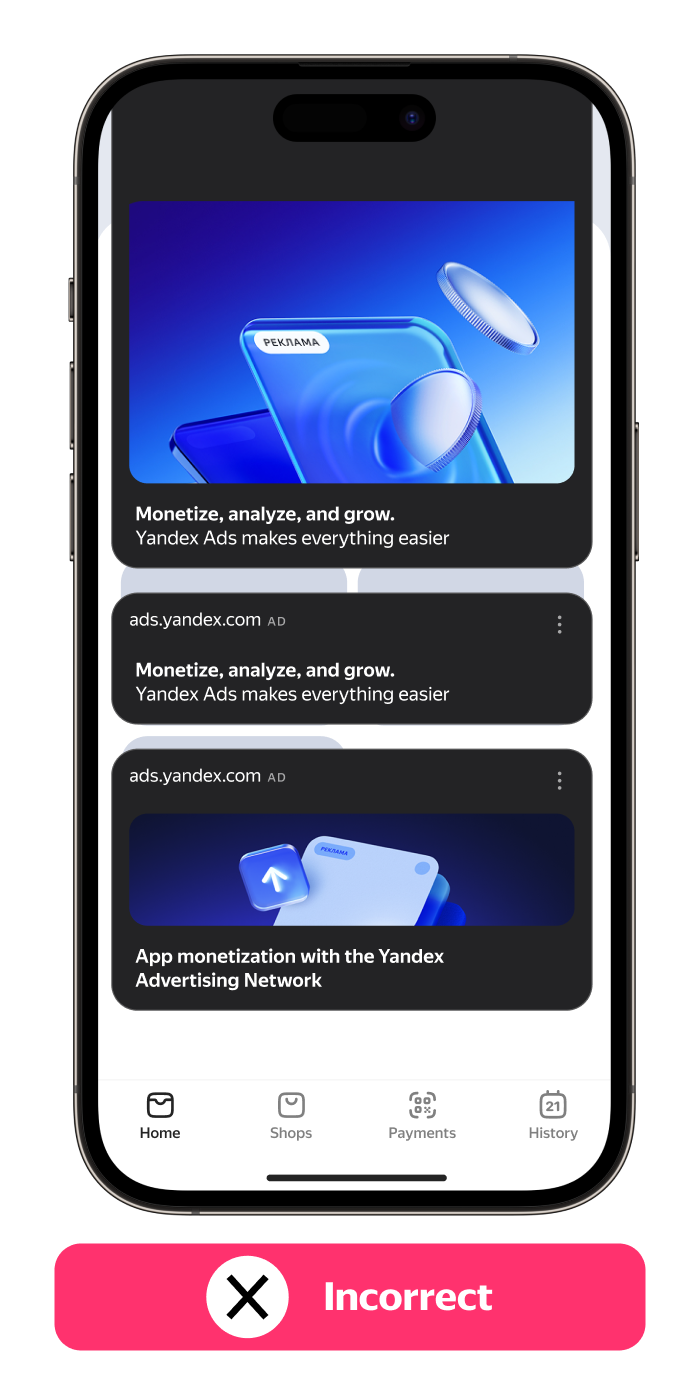
-
Don't place ads over control elements or app content so that they don't hinder users from interacting with your app.
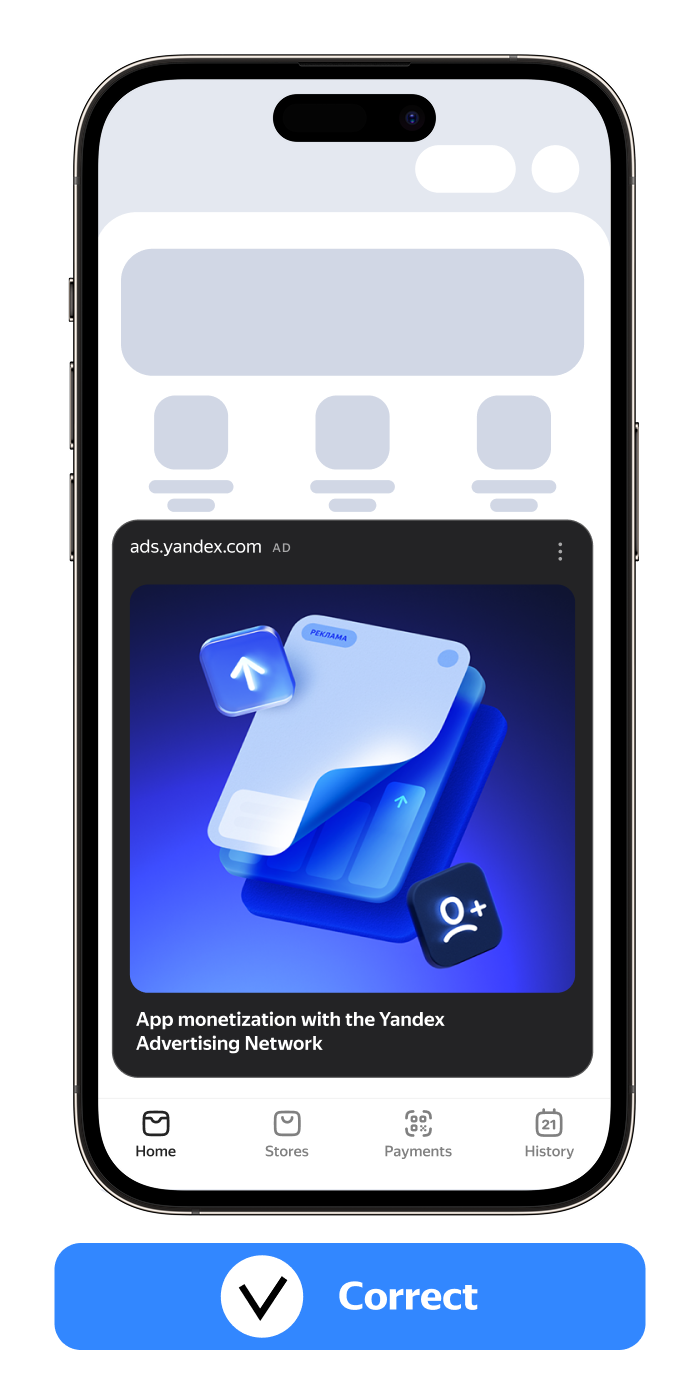
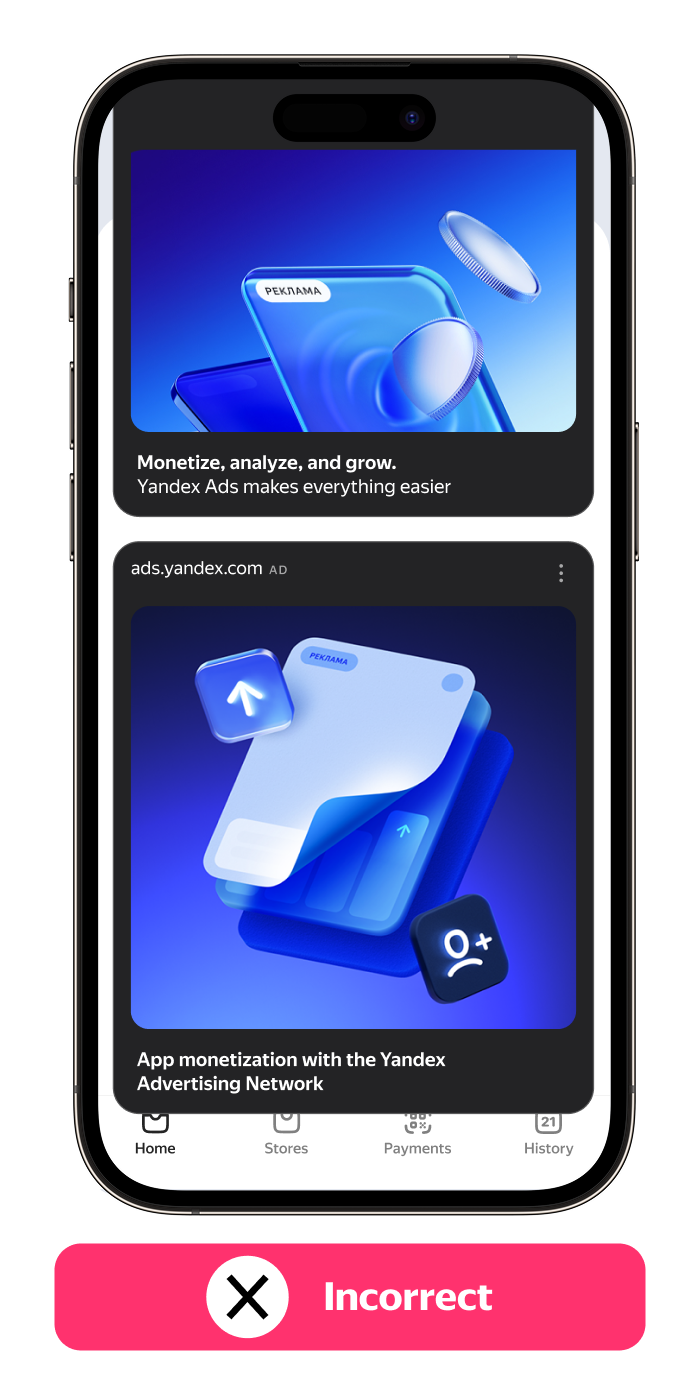
-
Don't make the feed fully blend with your app's design — the ad unit should visually stand out.
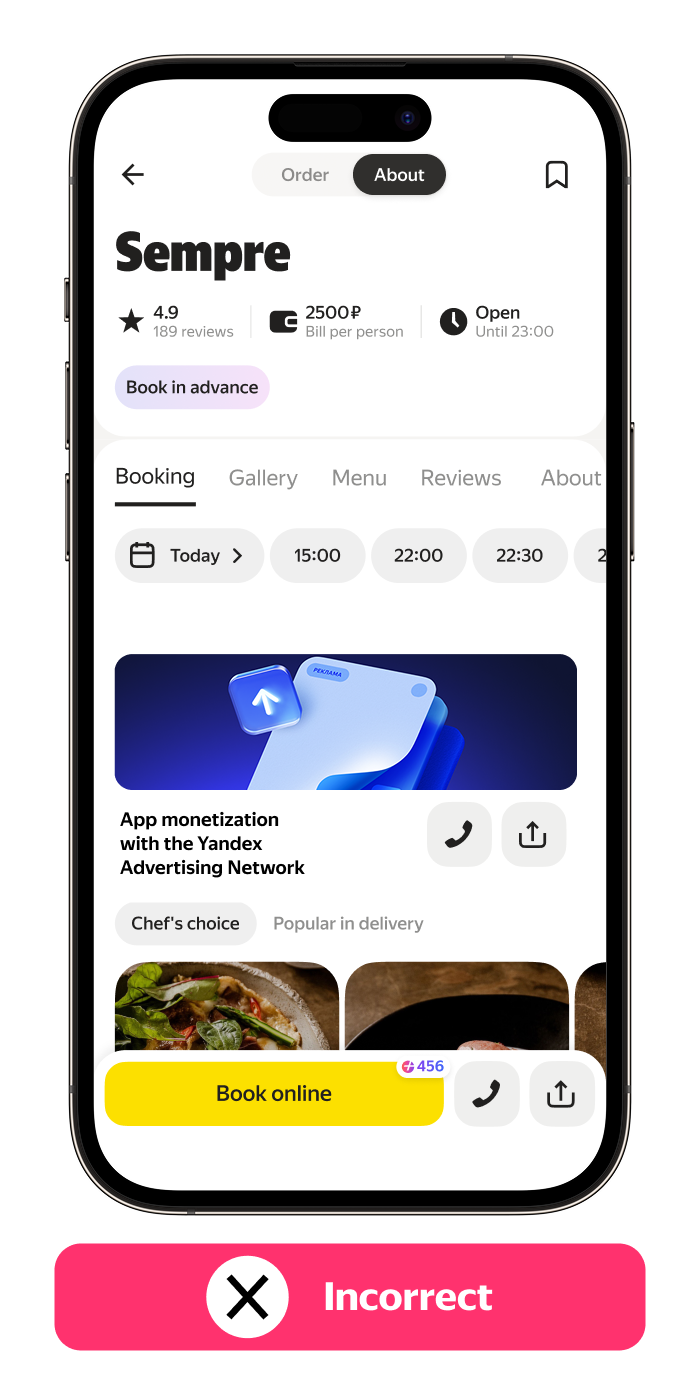
Size and layout
Make sure the ad unit layout and dimensions match the ad size, so the image remains properly aligned.
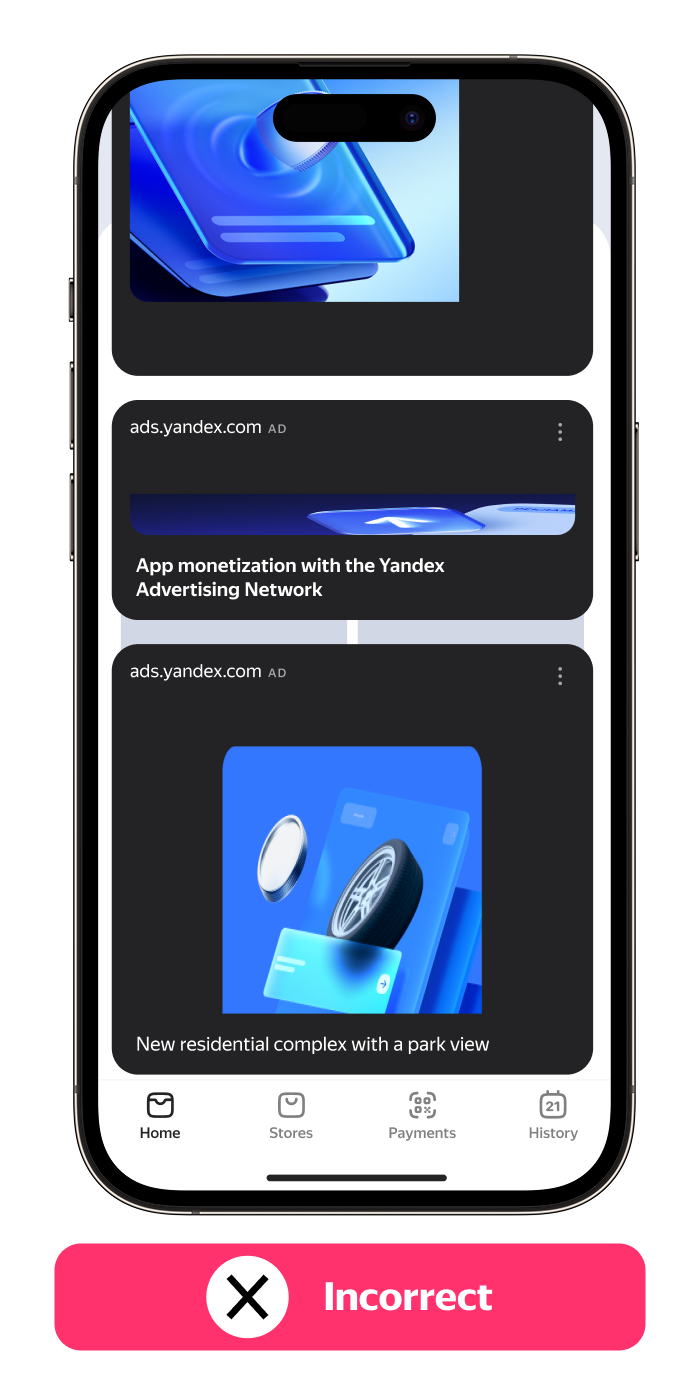
Controls
Don't place custom buttons encouraging users to interact with the ad — only use standard CTA elements provided for this format (if applicable).
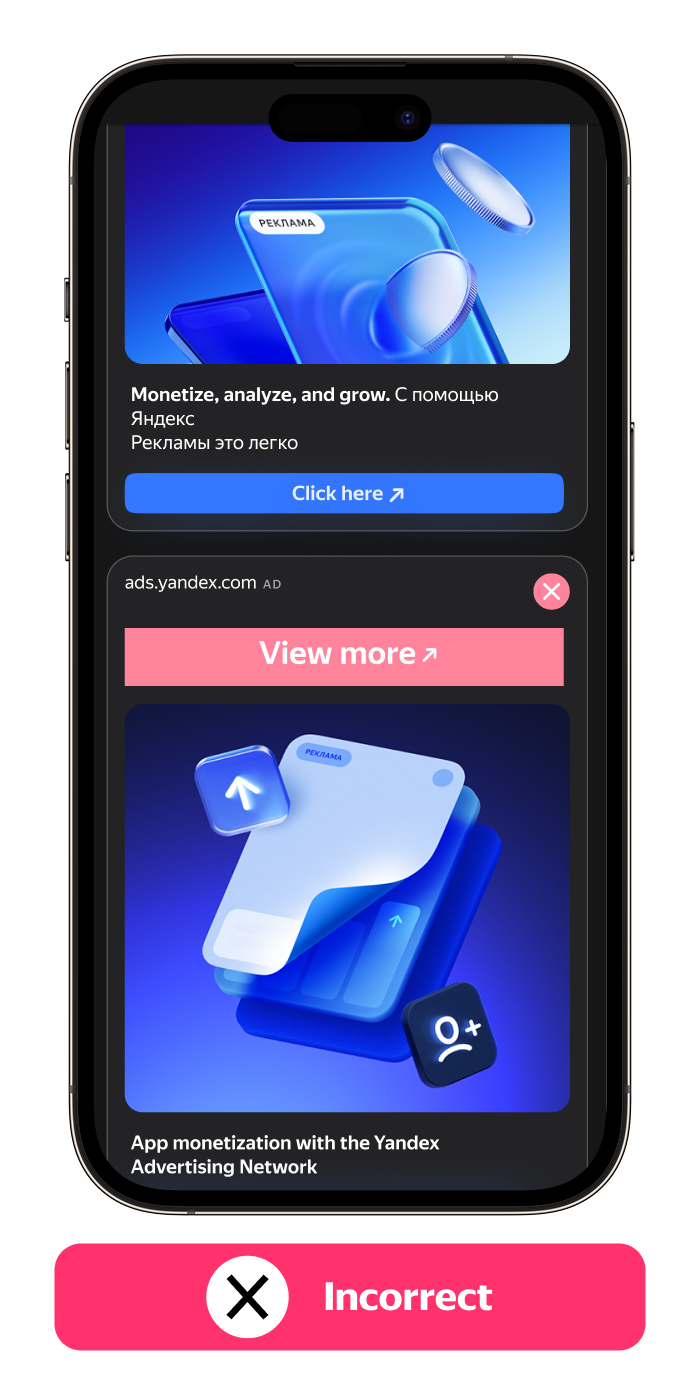
Labeling
Comply with the applicable ad labeling rules and don't delete required elements.